Urgent! BISP Mobile Number Update 2025 for All Beneficiaries – Step-by-Step Guide
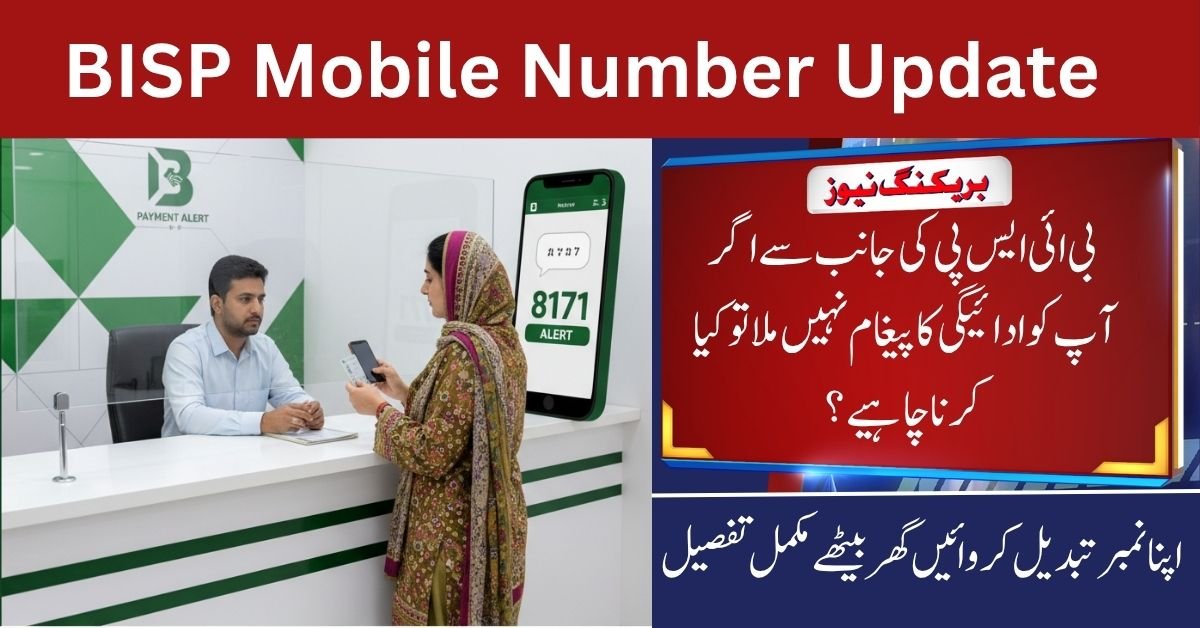
BISP Mobile Number Update
The BISP Mobile Number Update system for 2025 is one of the most important upgrades made by the Benazir Income Support Programme (BISP) this year. It ensures that all beneficiaries receive 8171 payment messages and updates on time.
Many families don’t get payment alerts because their old or inactive mobile number is still linked to the BISP record. To fix this, the government has made it easier to update your mobile number through BISP Tehsil Offices and mobile registration vans across Pakistan.This simple guide explains how you can update your number and continue receiving your Rs. 13,500 quarterly payments without any delay.
Also Read: CM Punjab Ration Card Program 2025

Why BISP Mobile Number Update is Important
Updating your mobile number is not just a formality — it’s essential for smooth communication with the BISP system.
If you have changed your SIM, lost your phone, or registered the wrong number, you must update it immediately. Once your new number is verified and linked with your CNIC, you’ll start getting all important 8171 messages, including:
- Payment release alerts
- Eligibility confirmations
- Survey reminders
When your mobile number is updated:
- You receive all official 8171 notifications.
- You stay informed about verification surveys.
- The risk of fraud is reduced.
- Your connection with the BISP database stays active.
Who Should Update Their Mobile Number
Not everyone needs to change their number, but you should update it if you face any of the following issues:
- You changed your SIM or mobile company.
- You lost access to your old number.
- You used a family member’s number during registration.
- Your SIM is inactive or not linked with your CNIC.
- You stopped receiving 8171 messages even though you are eligible.
After updating, all future messages will be sent only to your new verified number.
Required Documents for Mobile Number Update
Before visiting the BISP office or mobile van, make sure you have these documents ready:
- Original CNIC of the applicant.
- New SIM card to be registered for 8171 alerts.
- Children’s B-Forms for family verification.
- Proof of residence (if required).
- Mobile phone for OTP verification.
Having these items ready will make your process smooth and fast.
Step-by-Step Process to Update Your Mobile Number
Follow these steps to update your mobile number in the BISP system:
- Visit the nearest BISP Tehsil Office or wait for a mobile registration van in your area.
- Take a token from the reception and tell the officer you want to change your number.
- Provide your CNIC and new mobile number.
- The officer will verify your details and do biometric verification through NADRA.
- Once verified, your record will be updated in the BISP database.
- Within 24–72 hours, you will receive a confirmation SMS from 8171.
Make sure your new number is registered under your own CNIC — not someone else’s — otherwise, messages may still fail to deliver.
| Step | Action | Requirement |
|---|---|---|
| 1 | Visit BISP Office or Mobile Van | Bring CNIC and SIM |
| 2 | Get Token for Number Change | Verification Request |
| 3 | Provide Required Documents | CNIC, B-Form |
| 4 | NADRA Biometric Verification | Fingerprint Match |
| 5 | Confirmation SMS from 8171 | Within 72 Hours |
How to Check Payment Status After Updating Number
After your number is updated, you can easily check your payment or eligibility status.
Online Method:
- Visit 8171.bisp.gov.pk
- Enter your 13-digit CNIC
- Click Submit to see your payment details
SMS Method:
- Write your CNIC number
- Send it to 8171
- You’ll receive a confirmation SMS about your eligibility and payment
If your payment doesn’t show immediately, wait for 24–48 hours. Sometimes, data syncing between NADRA and BISP takes some time.
NADRA’s Role in Mobile Number Verification
NADRA plays a major role in keeping the system transparent. When you update your number, your fingerprints are verified using NADRA’s database to ensure that only the real beneficiary gets payment alerts.
If your fingerprints fail to verify, visit the nearest NADRA office to re-enroll them. After that, return to BISP for verification again.
This process helps prevent fake registrations and ensures that payments reach the right people.
Services Through BISP Mobile Vans
For people in rural or remote areas, BISP has introduced mobile registration vans. These vans are equipped with NADRA systems and visit areas where BISP offices are far away.
They offer:
- New family registrations
- Mobile number updates
- Dynamic survey verification
- Awareness sessions to avoid scams
You can check the van schedule from your local BISP office or through radio announcements.
Common Problems and Quick Fixes
Here are a few common issues and how to fix them quickly:
- Fingerprint not verified: Visit NADRA to re-enroll.
- Payment not showing online: Wait 24–48 hours.
- SMS not received: Make sure your SIM is active and linked with CNIC.
- Data mismatch: Visit the BISP office for correction.
Stay Safe from Scams
Always remember:
- Only trust messages sent from 8171.
- Never share your CNIC, OTP, or PIN on phone or WhatsApp.
- Don’t pay any agent or middleman — BISP services are free.
- Confirm all information only on bisp.gov.pk or 8171.bisp.gov.pk.
Final Thoughts
The BISP Mobile Number Update 2025 process helps beneficiaries stay connected with the system and get their 8171 payment alerts without any delay.
By keeping your number active and updated, you can avoid payment issues and continue receiving your financial support on time. This new system ensures transparency, safety, and convenience for millions of families across Pakistan.
Related Posts